
Automations
Where is repeated manual work slowing the process down?
Reduce repeated handoffs between the systems you use.
Discuss your project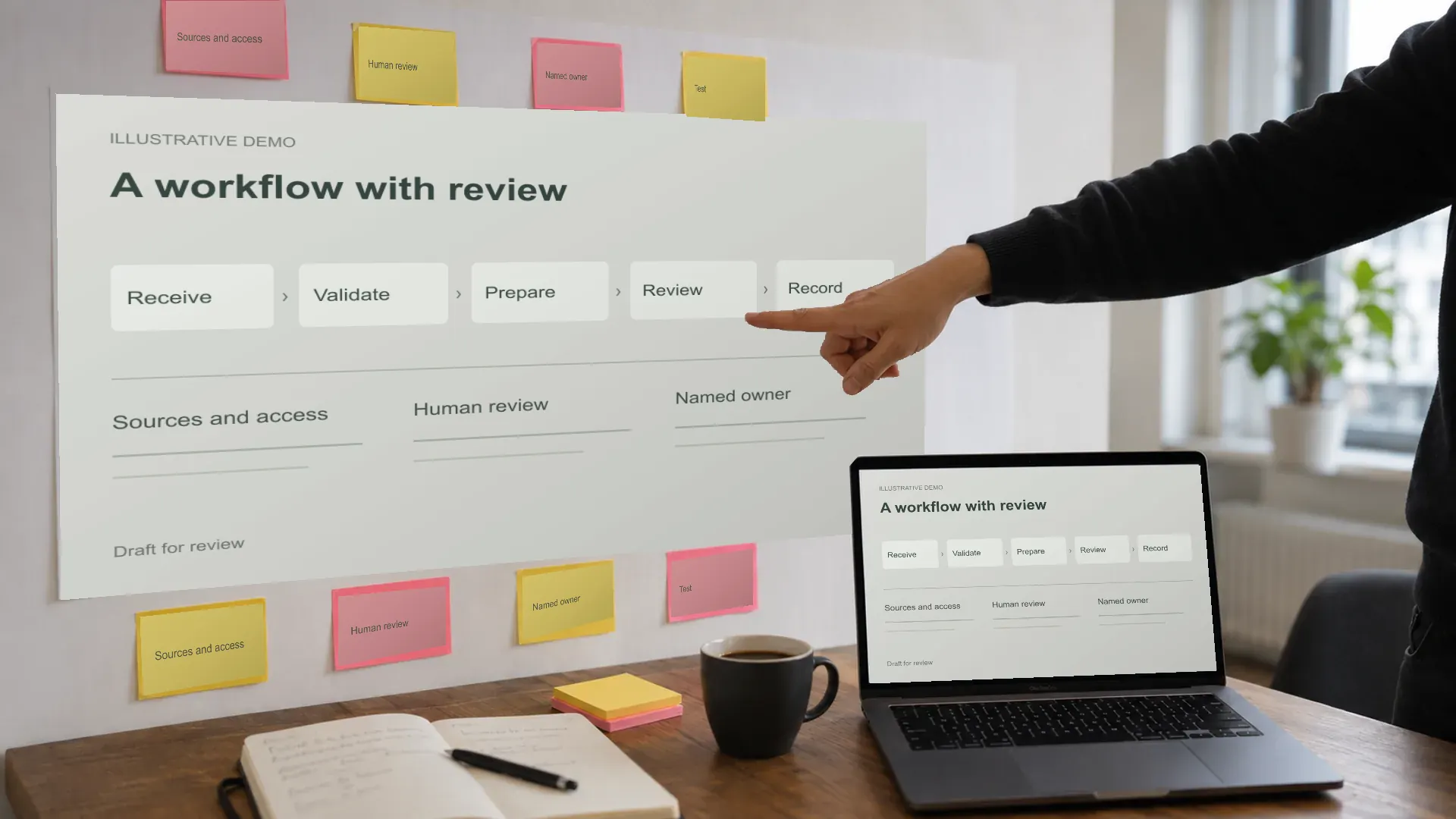
What it is
I build workflows for repeated tasks, such as moving records between systems or preparing work for approval. I map the exceptions first, then add checks and a way for someone to intervene when needed.
- A recurring task moves information between systems or prepares work for approval.
- The rules, exceptions and permission to act can be made explicit.
Included work
- A process map showing handoffs, exceptions and approval steps
- A working workflow connecting the agreed systems
- Checks, error alerts and recovery steps for interrupted work
- Operating instructions and a handover to the person responsible for maintenance
Illustrative possibilities
What this can look like at work
Examples of possible applications, not customer cases or measured results. We check sources, permissions and human review for your situation.
Invoice reminders
Finance teams preparing reminders from an approved receivables process.
- An authorised accounting connection identifies overdue invoices and prepares a review list and reminder drafts.
- Finance checks disputed invoices, payment updates and exceptions before approving the agreed sending step.
- Tests cover repeated runs and interrupted connections so a retry does not send the same reminder twice.
Quote follow-up
Sales operations following up open quotes without losing account ownership.
- After an agreed interval, the workflow prepares a follow-up from approved quote status and the account owner's template.
- The owner checks current contact history and reads and sends the draft; cancelled or disputed quotes are excluded.
- We test duplicate triggers, changed status and recovery before enabling the agreed workflow.
Enquiry, confirmation, calendar
Service operations moving an approved enquiry into confirmation and scheduling.
- An accepted form entry prepares a confirmation from the approved template and a proposed calendar action.
- We agree which confirmations may send automatically and which requests need a person to approve the schedule.
- Exceptions, unavailable calendars and repeated submissions are tested and routed to an identified owner.
Appointment confirmation
Scheduling and reception teams confirming approved appointments.
- An authorised calendar event prepares a confirmation from the approved template in the recipient's agreed language.
- We define which event status permits sending and when a change or cancellation needs personal review.
- The workflow records completion and tests retries, missing contact details and failed delivery.
Receipts to the bookkeeper
Finance teams preparing receipt records for their bookkeeper or accountant.
- An approved upload becomes a proposed folder entry and note, with the original receipt retained for checking.
- The finance owner reviews missing details, duplicates and unclear amounts before approving the handoff.
- The bookkeeper confirms the required format and access; delivery and accounting acceptance are checked separately.
How we work
Stage 01
Map the task and exceptions
I follow one recurring task across its systems and owners. We agree triggers, required permissions and where a person approves messages, records or financial actions.
Stage 02
Connect and make failures visible
I build the agreed connections with a record of completed actions, error reporting and recovery steps. Anything that still needs manual work is documented.
Stage 03
Test interrupted and repeated work
We test normal inputs, duplicates, changed records and unavailable connections. A retry must not silently repeat an external action; unresolved cases go to the named owner.
Stage 04
Approve use and hand over
The process owner accepts the tested scope before activation. I explain operation, intervention and recovery, then hand over access, documentation and maintenance responsibility.
Delivery and ownership
We review the agreed work against the acceptance criteria with its responsible owner. I record what is ready, what remains open and who will maintain it. Approval to use or publish the result is a separate decision.
- Documentation, accounts, source material and ownership are agreed before work begins.
- Your IT team can review access, integrations, security requirements and operating arrangements.
- Guidance covers the intended users and languages, review responsibilities and exception handling.
What we agree first
What I need from you
Examples of normal work and exceptions, approved system access, and the process owner who can agree what should happen at each step.
Permissions and approval steps are agreed before a workflow sends messages, changes records or takes financial action.
I work directly with you from the Netherlands. Remote collaboration is available across Europe, Asia and the Americas. Travel, working languages and time zones are agreed per engagement.
Before we begin
What stays manual?
Decisions requiring judgement or authorisation stay with the agreed owner. We mark those steps before building, including message sending, financial actions and changes to important records.
What happens if a connection fails?
The design includes error reporting, a record of completed work and agreed recovery steps. We test interrupted and repeated work so a retry does not silently create duplicate actions.